RESS on iPhone (iOS) for Railway Employees salary slip
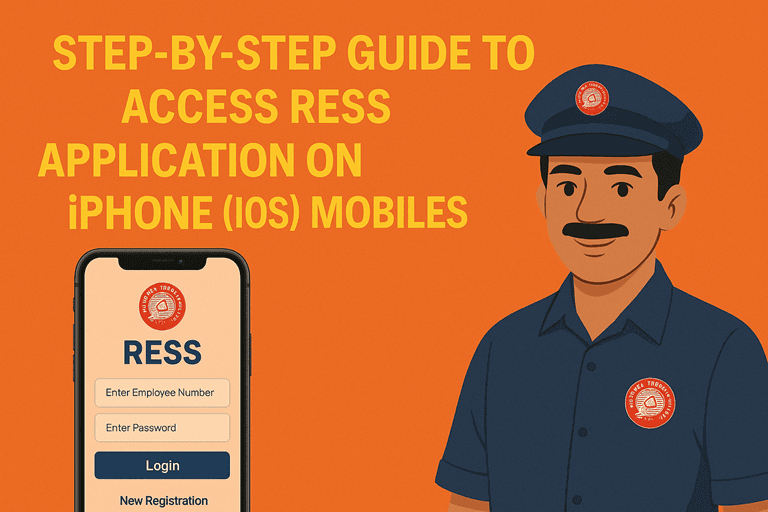
Hey! If you’re trying to access RESS (which typically refers to the Railway Employee Self Service portal used by Indian Railways staff), here’s how you can do it on an iPhone (iOS):
✅ Step-by-Step Guide to Access RESS on iPhone (iOS) users
RESS app is not listed on the Apple App Store for iOS devices. Though, the Railway Employee Self Service (RESS) application developed by the Centre for Railway Information Systems (CRIS) is available for Android devices on the Google Play Store.
However, iPhone users can also access RESS services through the mobile version. Here’s how:
How to use Railway Employee Self Service (RESS) application on iPhone mobiles?
- For iOS/iPhone user to click on the link… https://aims.indianrailways.gov.in/Public/Ress
- A page will open as below:-
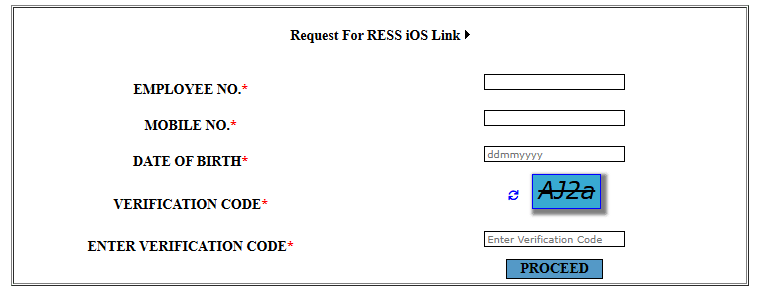
- Fill the employee details like…
- EMPLOYEE NO.*
- MOBILE NO.*
- DATE OF BIRTH*
- VERIFICATION CODE*
- ENTER VERIFICATION CODE*
All the fields are mandatory. Please ensure that Mobile number is registered. OTP will be sent on to registered mobile number only. After filling all the details click to PROCEED.
- SMS on registered mobile number will be sent with the link to download...
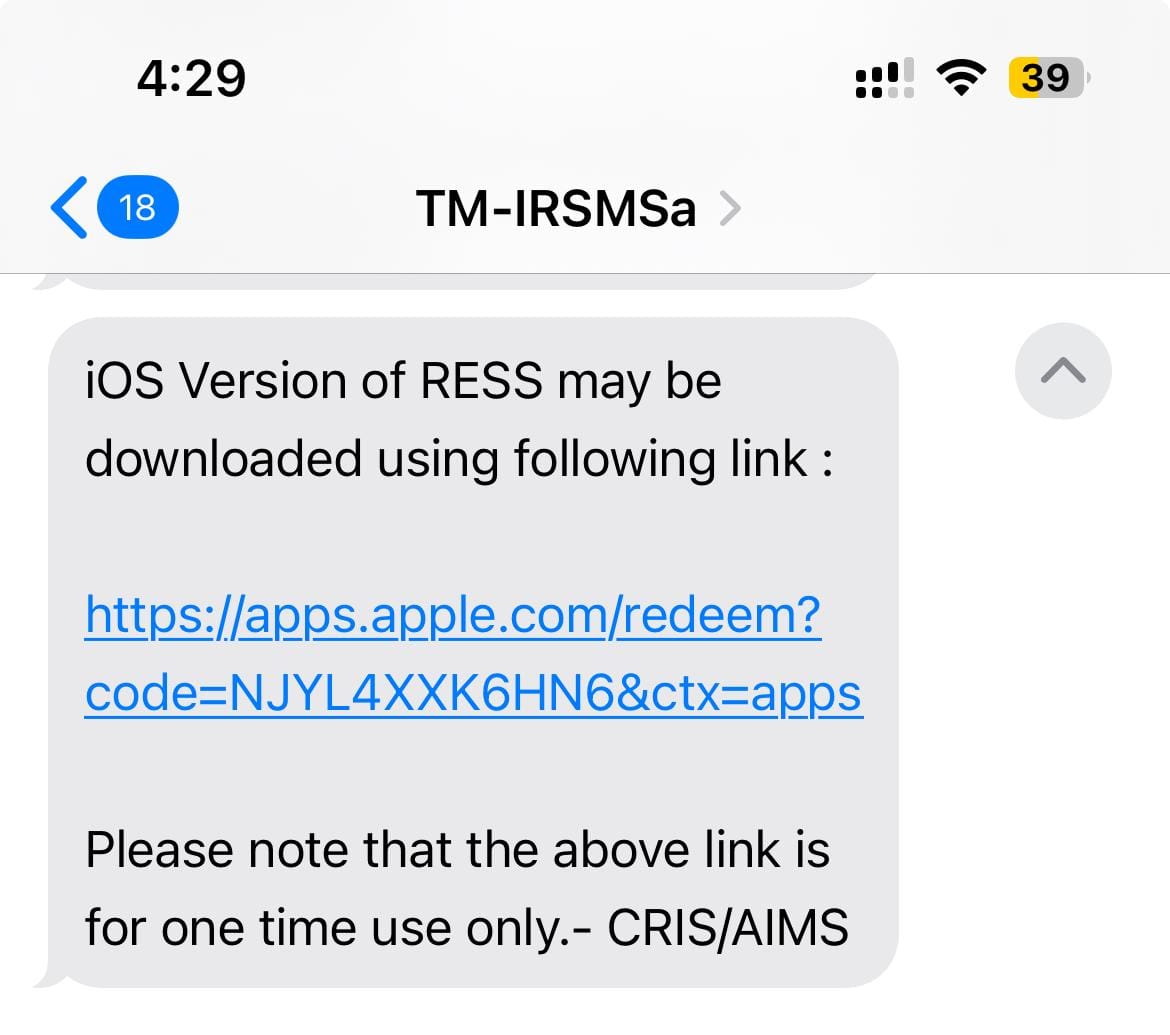
- On click of link received through SMS, iOS version app will be installed on your iPhone. Please note that the above link is for one time use only.
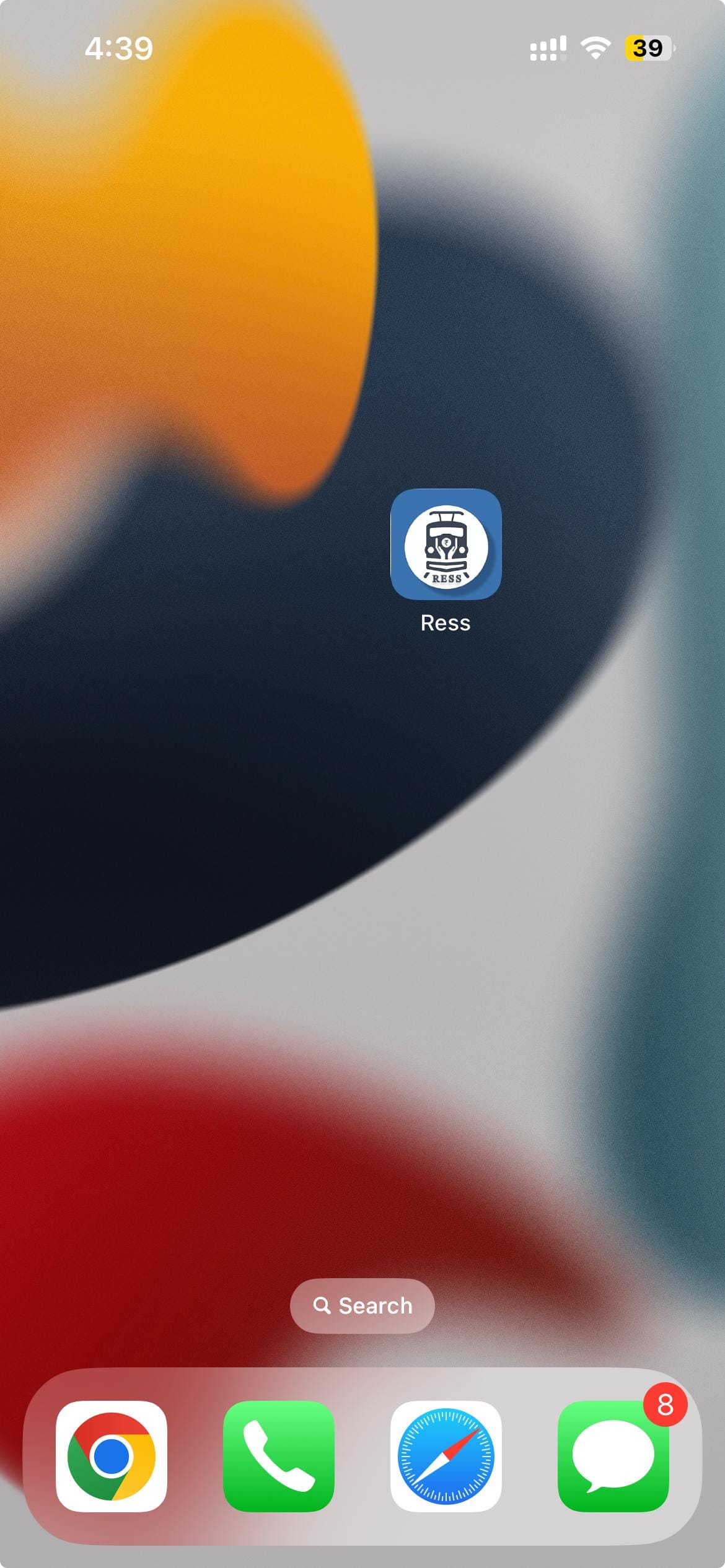
Enjoy the RESS app on your iPhone mobiles.
? Tips for Smooth Access
- Make sure your mobile number is registered in the HRMS/AIMS database.
- Employee details are readily available.
Also read…
- How to access RESS application / website?
- How to register new user on RESS application /website?
- How to View Personal Details?
- How to check monthly salary slip of the Railway Employee?
- How to check NPS / PF contribution?
- How to check LOAN & Advances details of the Employee?
- How to check income-tax details?
- How to Update Personal Details?
- How to Reset Password/what to do in case of forgotten Password?



2 Comments
Shivam · May 5, 2025 at 11:51 am
In
deshraj maeean · August 5, 2025 at 11:38 pm
my ress not open and notifed that u have aready redeem , how can i start ress